General Tools MMD4E Moisture Meter Review: Is It Worth It?
The General Tools MMD4E is a budget-friendly pin-type moisture meter for homeowners who want to check wood, drywall, trim, and other building materials for possible dampness. It is not a thermal camera, a professional restoration system, or a full hidden-leak diagnostic tool. Its real value is simpler: it gives you a direct way to test a suspicious material instead of relying only on sight, touch, or guesswork.
That makes it useful after small leaks, around baseboards, near plumbing fixtures, on water-stained drywall, or anywhere you want to compare a questionable area against a known dry area. If you are still comparing tool categories, see our guide to the best moisture meters for hidden water damage. This review focuses on whether the General Tools MMD4E makes sense for normal homeowner moisture checks.
Disclosure: This article may contain affiliate links. If you buy through these links, we may earn a commission at no extra cost to you.
General Tools MMD4E Quick Verdict
- Best for: Homeowners who want an affordable moisture meter for localized checks on wood, drywall, trim, and other building materials.
- Not ideal for: Non-invasive scanning, professional moisture mapping, or finished surfaces where small pinholes would be a problem.
- Main strength: It gives direct pin-type moisture readings in a simple, budget-friendly format.
- Main limitation: The pins test only the contact area and may leave small marks in the surface.
- Bottom line: The General Tools MMD4E is a strong first moisture meter for basic homeowner detection, but it should be treated as a screening tool rather than a complete moisture diagnosis system.
General Tools MMD4E at a Glance
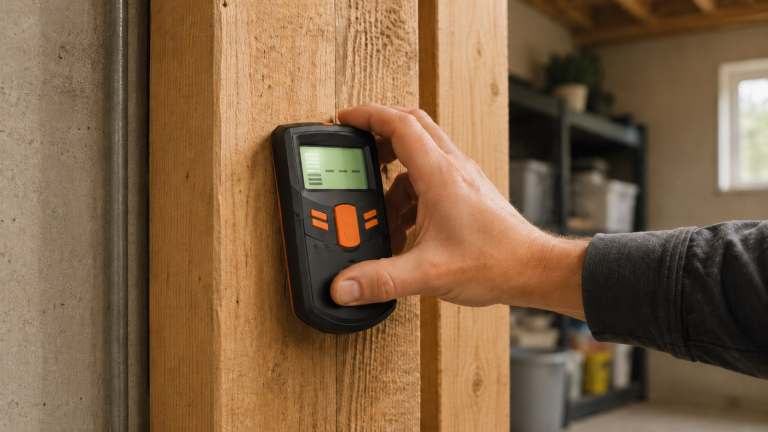
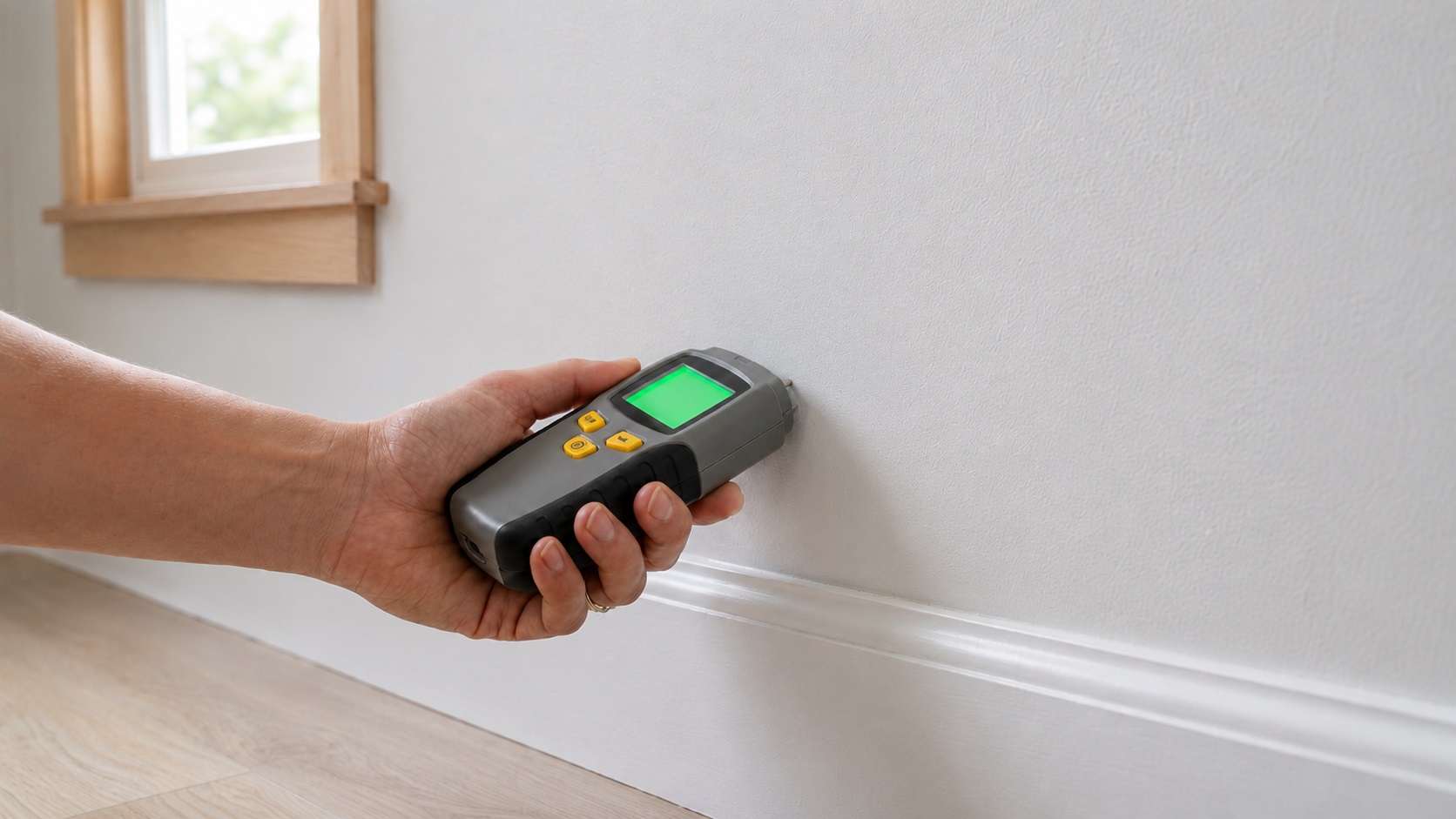
The General Tools MMD4E is a handheld digital pin-type moisture meter. You press its two pins into the material being checked, and the meter gives a moisture reading for that test point. That makes it useful for targeted checks on wood, drywall, trim, baseboards, flooring edges, cabinet bases, and other localized water-damage concerns.
The official General Tools specifications list a measurement range of 5% to 50% WME for wood and 1.5% to 33% for building materials, with ±2% accuracy and 0.1% resolution. The meter also has 0.3-inch pins, a backlit LCD, low/medium/high moisture scales, and automatic shutoff after 3 minutes of inactivity. WME means wood moisture equivalent, so building-material readings should still be interpreted by comparison rather than treated like exact wood moisture content.
The key distinction is that this is a material moisture meter, not a hygrometer. It does not measure indoor air humidity. For broader air-moisture testing, see our guide on how to test indoor humidity levels. The MMD4E answers a narrower question: “Does this material appear damp compared with similar dry material nearby?”
That distinction matters because a room can have normal air humidity while one section of drywall, trim, or subfloor still has elevated moisture from a leak. The MMD4E helps turn that vague concern into a more specific reading, which is why it fits naturally beside our guide on how to test indoor humidity levels.
You can view the General Tools MMD4E on Amazon if you want to check the current listing before deciding.
What the General Tools MMD4E Actually Measures
Pin-Type Moisture Testing
The most important feature of the MMD4E is its pin-type testing method. Instead of scanning across a wall surface without puncturing it, the meter uses two metal pins that contact the material directly. This can be helpful when you want a focused reading from one exact spot.
For example, if one baseboard looks slightly swollen or one patch of drywall feels cooler or softer than surrounding areas, a pin-type meter lets you test that specific location. You can then compare it with a nearby area that appears dry. That comparison often matters more than one isolated number.
The limitation is that pin-type testing is mildly invasive. The pins may leave small holes or marks, especially in painted drywall, finished trim, or visible wood. Test in a hidden edge, repair area, or already damaged spot when appearance matters.
Wood and Building Material Readings
The MMD4E is built for wood and common building materials, which gives it practical value around the home. You might use it on framing, trim, drywall, baseboards, flooring edges, cabinet bases, or repair areas after a leak.
This matters because materials can look dry before they have fully returned to normal. After a small plumbing leak, for example, a cabinet base, nearby trim, and wall surface may dry at different speeds. A moisture meter helps you compare those areas instead of assuming they are all in the same condition.
Backlit Display and Moisture Alerts
The MMD4E includes a digital display and simple moisture alert indicators. This is helpful for homeowners because not everyone wants to interpret moisture readings from raw numbers alone. A meter that provides an easier visual or audible cue can make spot checks less confusing.
The backlit display is also practical in real homes. Many moisture-prone areas are not brightly lit. Under sinks, behind appliances, basement corners, closets, utility rooms, crawl access areas, and low wall edges can all be difficult to inspect. A readable display makes the tool easier to use in those conditions.
Still, the alerts should not be treated as a final diagnosis. A “high” reading tells you that the area deserves attention, not that you automatically know the leak source, the repair method, or the full extent of the damage. Moisture readings should be interpreted with the material, location, and recent water history in mind.
Simple Controls for Occasional Home Checks
The General Tools MMD4E is strongest when used as a simple homeowner tool, not as a contractor-level inspection system. There is no app setup, Wi-Fi connection, or advanced reporting workflow. For many buyers, that is the point: they want to check a few suspicious areas after a leak or during a DIY project without learning a complicated moisture inspection system.
The tradeoff is that it does not offer the advanced material correction, data logging, or documentation features found on some higher-end meters. If you need formal inspection reports or large-area moisture mapping, this is probably not the right level of tool.
General Tools MMD4E Real-World Testing Use
In real homeowner use, the General Tools MMD4E is best understood as a confirmation tool. It helps answer questions like, “Is this spot wetter than the surrounding area?” or “Has this material dried compared with yesterday?” That is different from saying it can fully diagnose every hidden moisture problem by itself.
Its strongest use is comparing readings. For example, if one area of drywall near a window reads higher than the same type of drywall several feet away, that difference may be more useful than the number alone. For the cleanest comparison, test the same material type, at a similar height, and with similar pressure on the pins. The same applies to baseboards, wood trim, flooring edges, and cabinet bases.
This kind of comparison is valuable after a leak because a wall or floor may feel dry to the touch while deeper or less ventilated areas still hold moisture. A pin-type meter can help you decide whether to keep drying, monitor the area longer, or investigate further.
If you are unsure how to interpret readings, our guide to moisture levels that indicate water damage can help you understand why material type and context matter. Drywall, wood, and other building materials do not all behave the same way.
Where the General Tools MMD4E Works Best
The General Tools MMD4E works best when you have a specific area to test: a baseboard near a bathroom, drywall below a window, wood trim near a door, a cabinet base after a plumbing drip, or flooring near an appliance leak. It is most useful when you can compare the suspicious area with similar material nearby that appears dry.
It is also useful after minor water incidents. If you dried an area with fans or a dehumidifier, the meter can help you check whether readings are trending downward. That does not prove the entire wall, floor, or cabinet assembly is fully dry, but it gives you more information than visual inspection alone.
This meter also fits a basic home moisture routine. If your home has recurring damp areas, past leaks, basement moisture, or rooms that often feel humid, a tool like this can help you spot-check materials over time. For a broader routine, see our guide on how to monitor moisture levels throughout your home.
General Tools MMD4E Limits: Pinholes, Spot Checks, and Leak Diagnosis
The biggest drawback is that this is not a non-invasive meter. The pins need to contact the material, and that can leave small marks. That may be acceptable on hidden framing, unfinished wood, damaged drywall, or areas that will be repaired anyway. It may not be acceptable on finished trim, visible walls, or surfaces where appearance matters.
If you want to scan behind finished surfaces without poking holes, this is not the ideal tool. In that case, you may want to start with methods that help you detect moisture without opening walls or consider a pinless moisture meter instead.
The MMD4E also should not be treated as a complete leak-finding device. It can show that a tested material may be damp, but it does not automatically tell you where the water came from. A high reading near a baseboard could be related to a plumbing leak, window leak, foundation moisture, condensation, or a past water event. The meter gives evidence, not the full explanation.
It is also not a mold detector or a repair solution. If readings stay high after drying, increase again, or appear near electrical components, active plumbing, swelling floors, or structural wood, stop treating it as a simple tool check and investigate the moisture source before sealing, painting, or covering the area. Moisture readings can help identify damp conditions, but they do not confirm mold, determine air quality, or replace proper drying and repair.
Who the General Tools MMD4E Makes Sense For
The General Tools MMD4E is a good fit for homeowners who want a simple, affordable way to check suspicious materials for moisture. If you have a small leak history, a damp-looking patch of drywall, a swollen baseboard, or wood that may have absorbed moisture, this meter gives you a practical first step before guessing or ignoring the problem.
It also makes sense for DIY users who want to monitor drying progress after a minor water incident. If a cabinet base, section of trim, or lower wall area was exposed to water, the MMD4E can help you see whether readings are improving over time. It is not the most advanced moisture meter available, but that is part of its appeal for occasional home checks.
You should also consider it if you specifically want a direct pin-type meter rather than a non-invasive scanner. If small pin marks are acceptable, it can confirm whether one exact area is reading differently from surrounding material.
If that sounds like your use case, you can see availability on Amazon.
When the General Tools MMD4E Is the Wrong Tool
The General Tools MMD4E is not the best choice if you need to scan large finished walls without leaving marks. The pins can leave small holes, so it is better for hidden, unfinished, damaged, or repair-ready areas than for pristine visible surfaces.
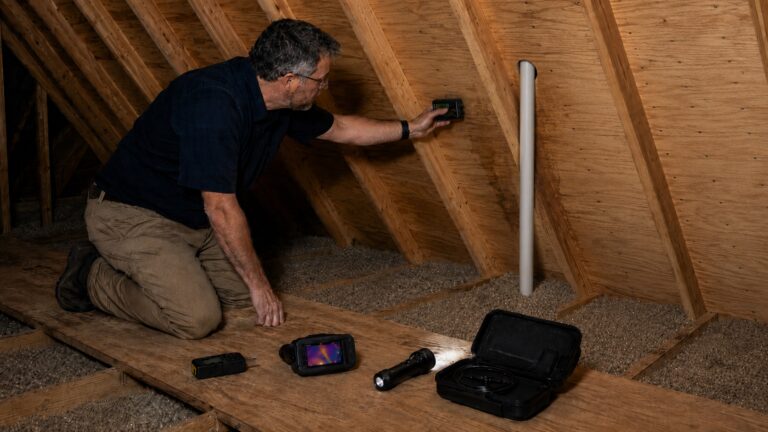
You may also want a different tool if your main goal is non-invasive detection. A pinless meter, thermal camera, or broader inspection method may make more sense when you are trying to investigate behind finished surfaces without puncturing them.
You should also choose a different product category if you need continuous alerts or active leak protection. The MMD4E is a manual spot-checking tool, not a leak sensor, smart humidity monitor, or water-intrusion solution.
General Tools MMD4E vs Pinless Meters, Hygrometers, and Leak Sensors
Compared with pinless moisture meters, the General Tools MMD4E is more direct but more invasive. A pinless meter can be better for scanning finished surfaces without making holes. The MMD4E is better when you want a focused reading from one specific test point and small pin marks are acceptable.
Compared with higher-end moisture meters, the MMD4E is simpler and more affordable. That makes it attractive for occasional homeowner use, but it also means you should not expect advanced inspection features, professional reporting, or the deeper material settings found on some contractor-level tools.
Compared with a hygrometer, the MMD4E measures a different thing. A hygrometer measures air humidity, while the MMD4E checks material moisture. A room can have acceptable air humidity while one piece of drywall or trim is still damp from a past leak.
Compared with water leak sensors, the MMD4E is not an alert system. Leak sensors are useful for ongoing protection near water heaters, washing machines, dishwashers, sump pumps, and under-sink plumbing. The MMD4E is better when you want to manually test a material after you suspect moisture may already be present.
If you are still deciding between different pin-style options, it may help to compare this model within a broader guide to the best pin-type moisture meters for DIY inspection.
General Tools MMD4E FAQ
Is the General Tools MMD4E good for drywall?
Yes, it can be useful for checking drywall when you need a localized moisture reading. It is especially helpful for comparing a suspicious area with a similar dry area nearby. However, because it is a pin-type meter, it may leave small marks in painted drywall.
What moisture range does the General Tools MMD4E measure?
General Tools lists the MMD4E with a 5% to 50% WME range for wood and a 1.5% to 33% range for building materials. Those ranges are useful for homeowner checks, but readings still need to be interpreted based on the material, location, and comparison with a known dry area.
Does the General Tools MMD4E leave holes?
Yes, it can leave small pinholes because the pins need to contact the material. This is normal for pin-type moisture meters. It is usually less of a concern on unfinished wood, damaged surfaces, hidden areas, or materials that will be repaired anyway.
Can this moisture meter find hidden leaks inside walls?
It can help show whether the tested material has elevated moisture, but it does not automatically locate the leak source. A high reading may tell you that further investigation is needed, but it does not prove where the water entered or how far the moisture has spread.
Is the MMD4E better than a pinless moisture meter?
It depends on the use case. The MMD4E is better for direct spot checks where pin marks are acceptable. A pinless meter is better when you want to scan finished surfaces without puncturing them. Many homeowners choose based on whether surface damage matters in the area being tested.
Can it help after a water leak?
Yes, it can help you check whether materials such as drywall, trim, wood, or cabinet bases may still be damp after a leak. It should be used as a monitoring and screening tool, not as a replacement for stopping the leak source or drying the area properly.
General Tools MMD4E Review Verdict
The General Tools MMD4E is worth considering if you want a simple, affordable moisture meter for basic homeowner use. Its strongest role is localized testing: checking damp-looking drywall, testing wood or trim after a leak, comparing suspicious and dry areas, and monitoring whether a small water-damaged area is improving.
Its limitations are important. This is not a non-invasive scanner, thermal camera, mold detector, or professional inspection system. The pins can leave small marks, and the readings only tell you about the tested area, so results still need to be interpreted based on the material, location, and moisture history.
For homeowners who want an entry-level tool for practical moisture checks, the MMD4E is a strong fit. For non-invasive scanning, advanced reporting, or large-area hidden moisture mapping, a more specialized tool makes more sense.